

 Authenticate
 Manage Users
 Customize
 Auth0 AI
 Platform
Configure your Auth0 Vault Connection
Learn how to configure a Vault Connection for your Auth0 Flow Actions at Auth0 Vault Connection.Create user
Create a user.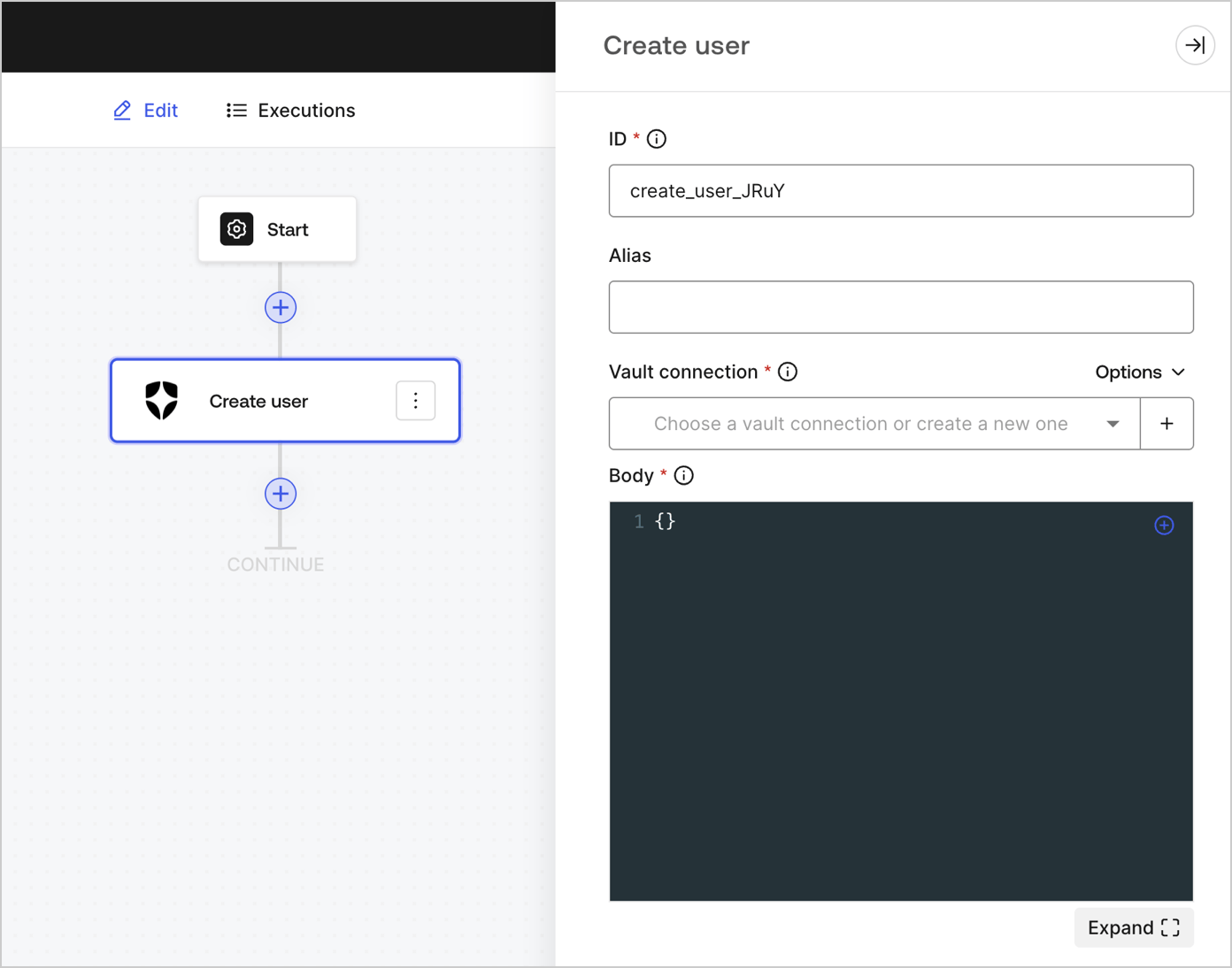
Input settings
Output object
Review Create a user for expected response and status code.Get user
Retrieve user details.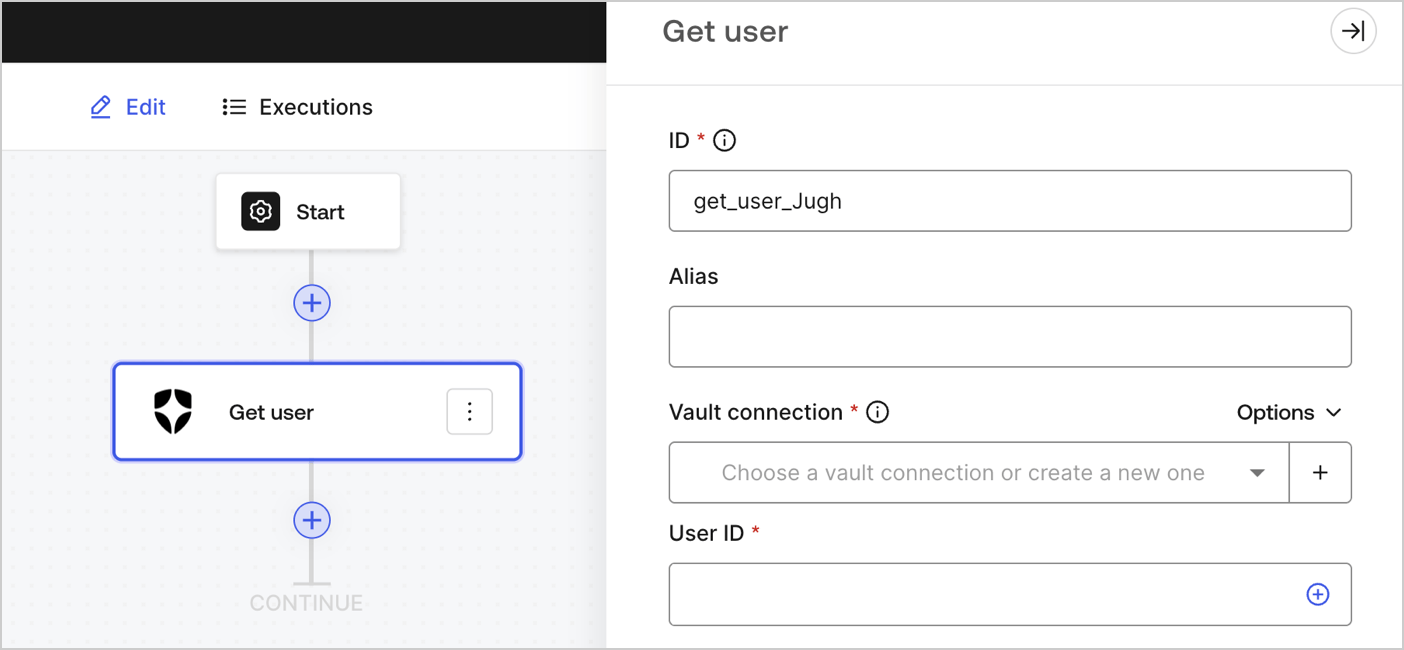
Input settings
Output object
Review Get a user for expected response and status code.Update user
Update a user.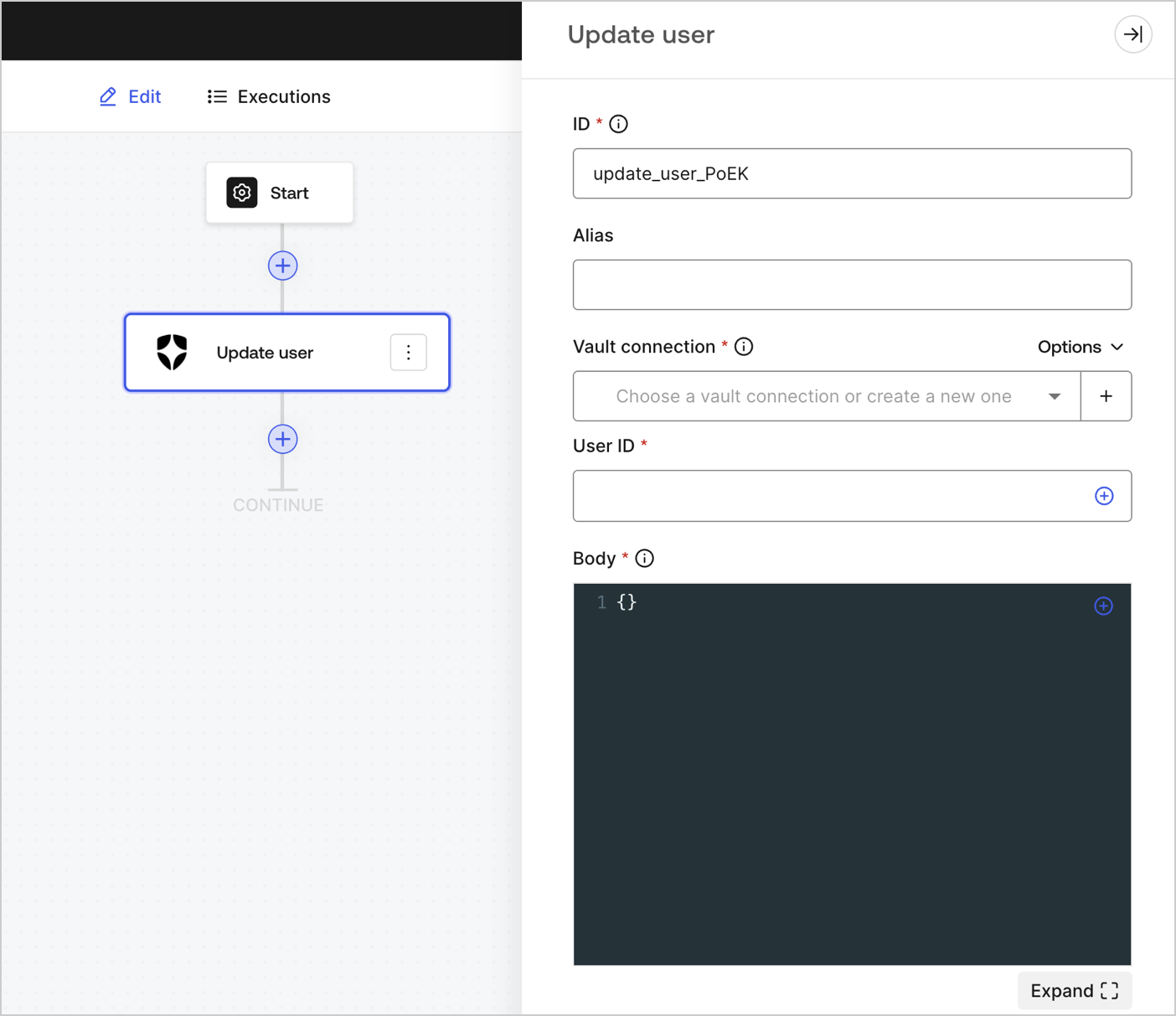
Input settings
Output object
You can find the expected response and status codes at Update a user API documentation.Custom API request
Send a custom API request to Auth0 API endpoints.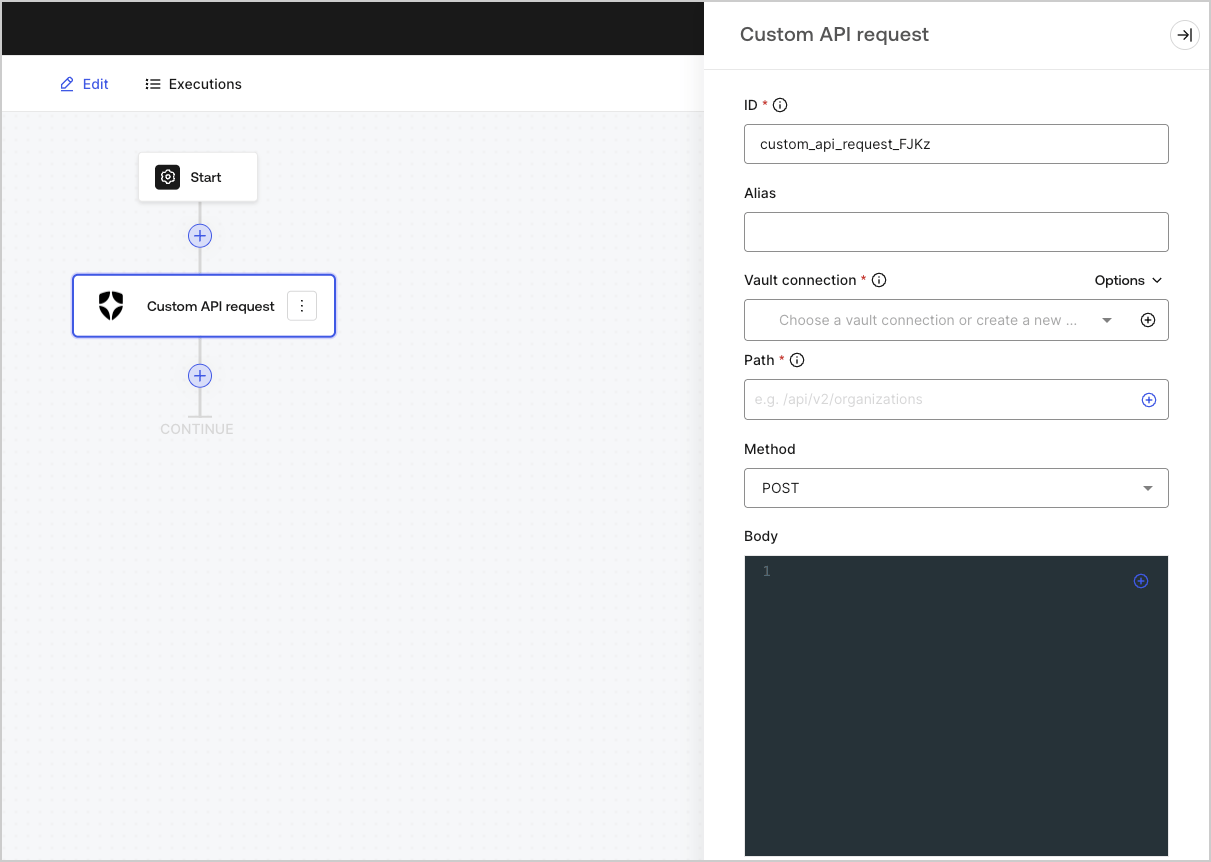
Input settings
Output object
Review Auth0 Management API for expected responses and status codes.Notifications
Send email
Send a custom email using your configured email provider.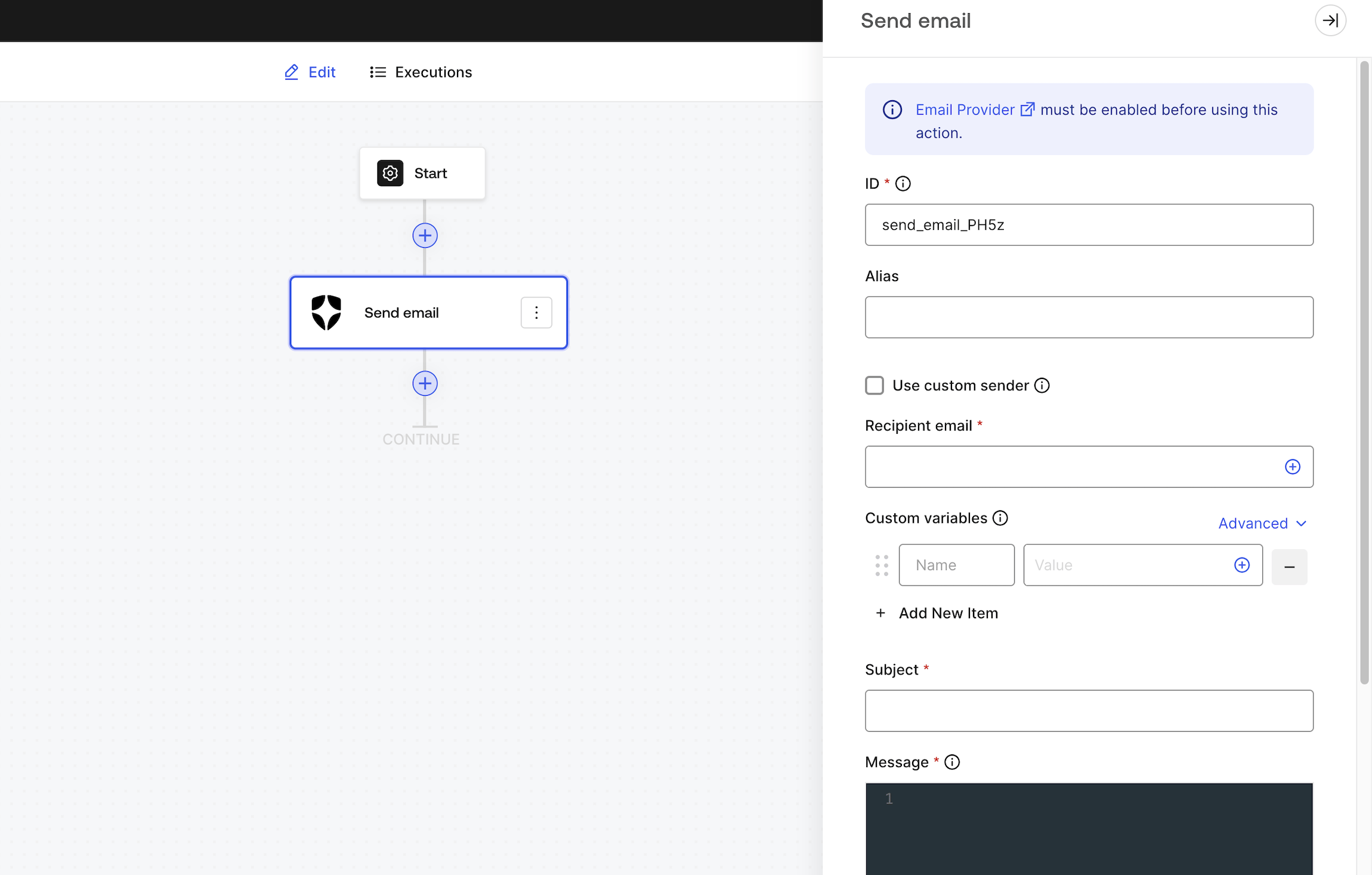
Input settings
Subject and Message can use a combination of Liquid syntax with common variables or custom variables using
{{custom_vars.your_variable_key}} syntax.Use custom variables to pass information between Forms / Flows context and Subject and Message content.Output object
Output object example
Send SMS
Send a custom SMS using your configured phone provider.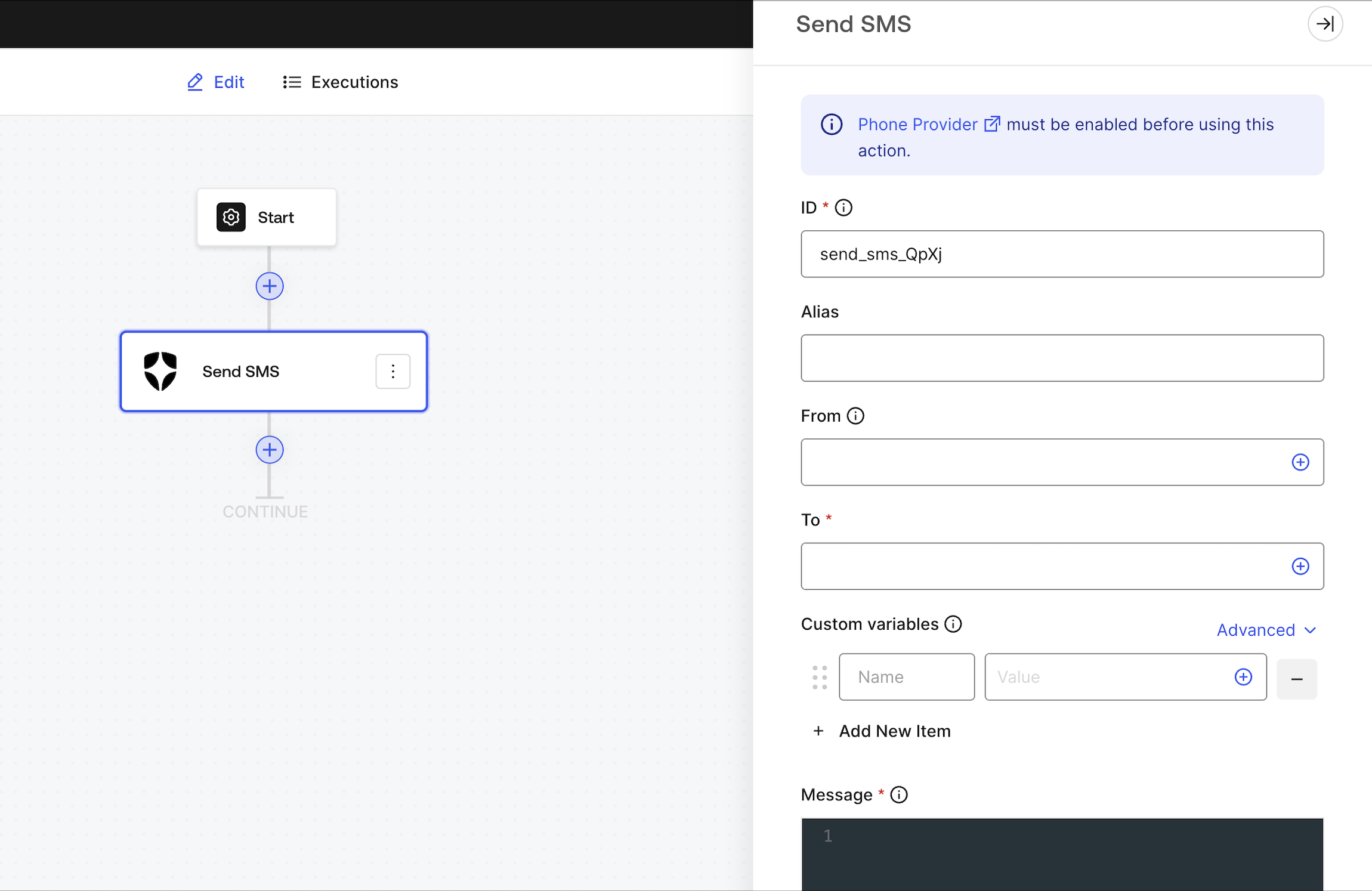
Input settings
Message can use a combination of Liquid syntax with common variables or custom variables using
{{custom_vars.your_variable_key}} syntax.Use custom variables to pass information between Forms / Flows context and Message content.Output object
Output object example
Make call
Send a custom voice message using your configured phone provider.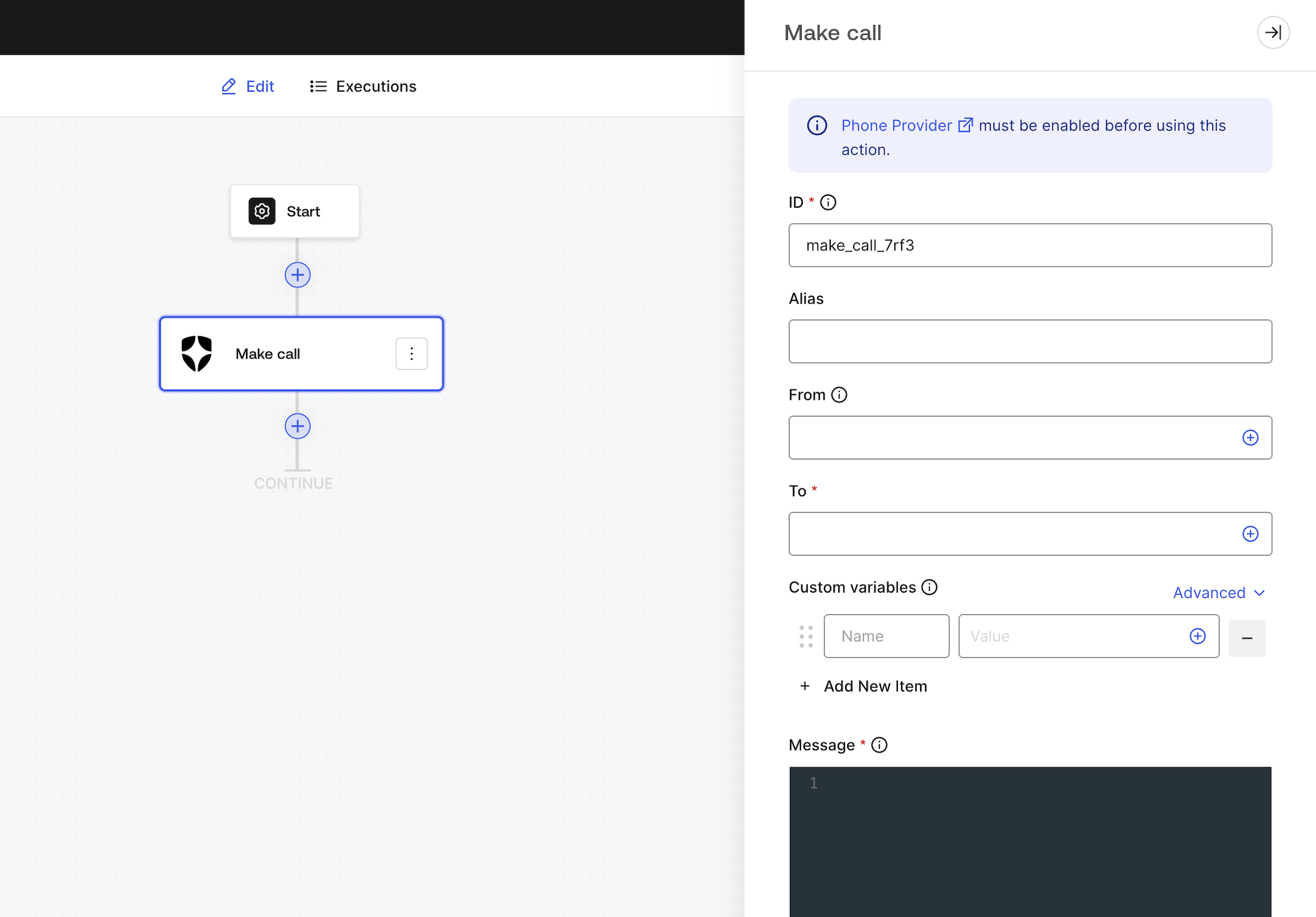
Input settings
Message can use a combination of Liquid syntax with common variables or custom variables using
{{custom_vars.your_variable_key}} syntax.Use custom variables to pass information between Forms / Flows context and Message content.