

 Authenticate
 Manage Users
 Customize
 Auth0 AI
 Platform
Get access to Auth0 Management API
Create a Machine-to-Machine (M2M) Application authorized for Auth0 Management API.No need for Auth0 Management API authorization to send notifications through the configured providers at your Auth0 Tenant.
Configure your Vault Connection
To configure an Auth0 Vault Connection for your Auth0 Flow Actions, set the required parameters based on the previous created M2M Application.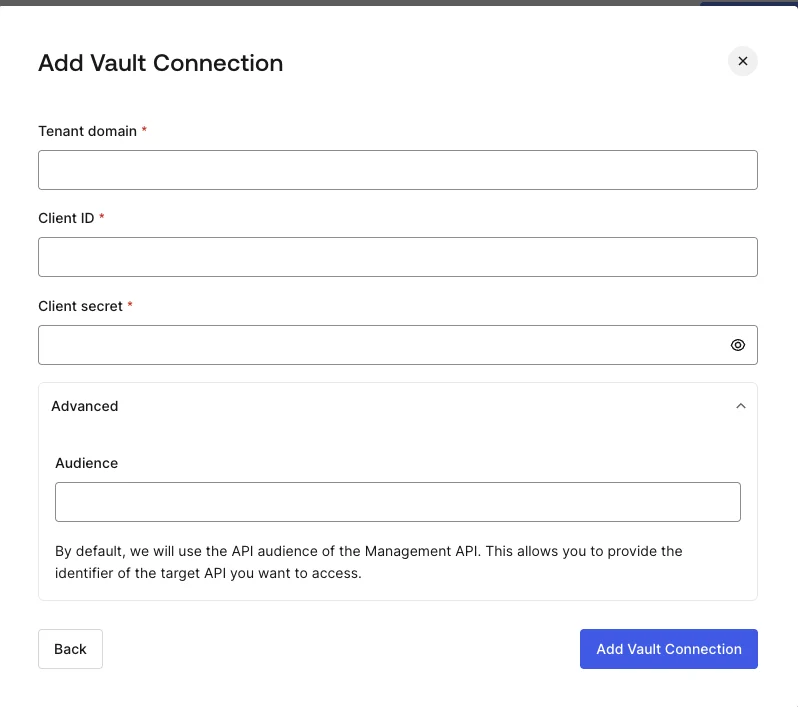
Input settings
By default, the Audience will be based on the Tenant Domain.