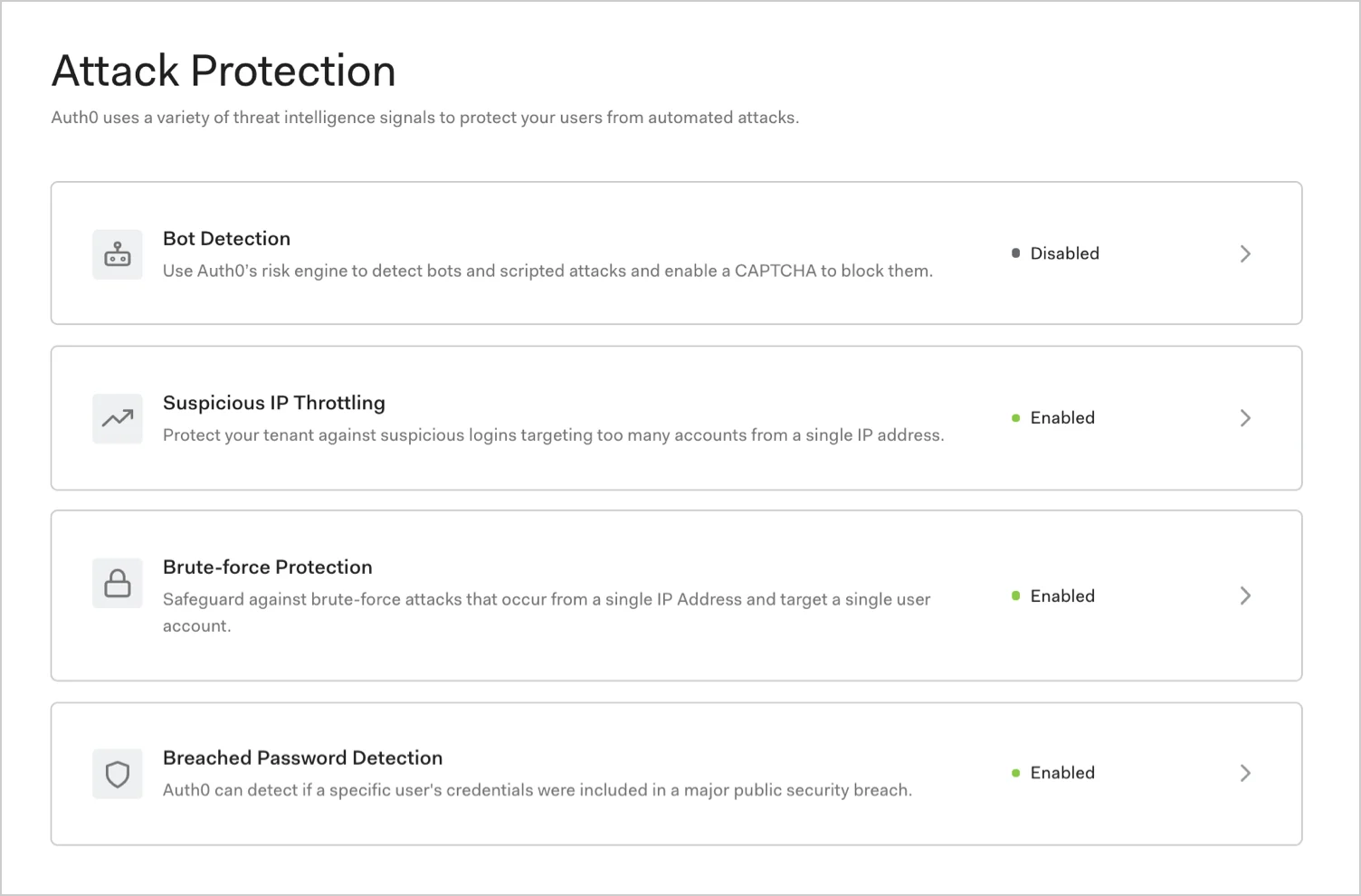
Describes how Auth0 detects attacks to stop malicious attempts to access your application, alert you and your users of suspicious activity, and block further login attempts.
Auth0 can detect attacks and stop malicious attempts to access your application such as blocking traffic from certain IPs and displaying CAPTCHA.In the Auth0 Dashboard, you can enable the following options to mitigate attacks:
When it comes to combatting abuse, there is no silver bullet. Auth0 supports the principle of layered protection in security that uses a variety of signals to detect and mitigate attacks.
Feature
Risk signal
How it works
Bot Detection
IP reputation computed by analyzing the quality of traffic seen for each IP.
Triggers a CAPTCHA step when a login attempt comes from an IP suspected of use by a bot.
Suspicious IP Throttling
Velocity of login attempts from an IP for any number of accounts against a tenant.
Detects when a bot/script tries too many identifier/password combinations within a short period of time.
Brute-force Protection
Velocity of login attempts from an IP for a particular account.
Detects when a bad actor tries to login to an account too many times within a period of time.
Breached Password Detection
Use of a breached password that appears in lists of breached passwords on the dark web.
Stops users from using passwords that are known to be breached in some third-party sites.
In the event of an attack, users will be notified by email once per hour regardless of the number of logins. For example, if a user tries to log in 200 times in 1 hour and 30 minutes, we will send 2 emails. Password reset links are valid for 5 days. You can customize the emails sent to your users.
If you reset the block and it encounters another attack, it will send another email.
In the event of an ongoing attack, traffic can be blocked from thousands of IP addresses at a time. Auth0 will send a single email to each administrator every hour that traffic is blocked, regardless of the number of IPs involved in the attack.
Enabling attack protection features without configuring response settings activates Monitoring mode, which records related events in your tenant log only. The tenant log will contain information about whether the login was determined to be risky so you can determine if you want to configure responses.


 Authenticate
 Manage Users
 Customize
 Auth0 AI
 Platform